How to make a digital wardrobe with ChatGPT
You can make a digital wardrobe with ChatGPT using photos of clothes you already own. No app, no spreadsheet to start with, nothing to buy.
Rather have a tool do all of this for you? Modebase is a ChatGPT plugin that turns photos of the clothes you already own into a wardrobe ChatGPT can dress you from, and keeps it current for you. The rest of this guide is the free, do-it-by-hand way.
This is the whole method, start to finish. Where a step has more to it than fits here, there is a link to the longer piece.
What a digital wardrobe actually is
A digital wardrobe is a record of the clothes you own, kept in a form an AI can read: one entry per garment, each with a clear image and a few facts: category, colour, fit, season, what it suits.
The point is not to store pictures of your clothes. It is to get to the stage where you can ask "what should I wear to a wedding in October" and be answered with things hanging in your actual cupboard.
The seven steps
- Upload photos of yourself or your clothes to ChatGPT.
- Ask it to identify the individual garments.
- Save a clean image of each piece.
- Add the details a photo cannot show.
- Organise them into categories.
- Tell ChatGPT your rules and preferences.
- Ask for outfits built only from what you own.
One garment, end to end
It is clearer as a single piece going all the way through.
Upload a photo of yourself in a navy blazer and ask ChatGPT to identify what you are wearing. You get back something like navy single-breasted blazer, wool blend, oversized, hip length. You add what the photo cannot show: it is warm, it is for work and dinner, the sleeves are slightly long. You save that description somewhere you can paste back later, with a clean image of the blazer on its own.
That is one wardrobe item. Do it about thirty times and ChatGPT can genuinely dress you.
Step 1: Start with photos you already have
Outfit photos, mirror shots, anything in your camera roll, retailer screenshots of things you bought. You do not need to photograph each garment on a hanger, and you do not need to do the whole wardrobe. The clothes you actually wear are worth more than completeness.
Upload one and ask:
Find the individual clothing items I am wearing in this photo. List each item separately with its category, colour and a short description.
Step 2: Get each garment out as its own item
One outfit photo might hold jeans, a T-shirt, a blazer, loafers and a bag. Those want to become five records, not one. A wardrobe stored as whole outfits can only ever suggest those same outfits back.
There are four ways to do this and they differ a lot in effort and in what they can do afterwards: typed list, spreadsheet, photo by photo, or a wardrobe the assistant can look things up in. We ranked all four here, including how long each takes and where each one lets you down.
Step 3: Add what the photo cannot show
A picture carries colour, shape and length. It does not carry that the blazer is too warm for spring, that the trousers no longer fit, or that you never wear those trainers to work. Those facts are what move a suggestion from plausible to wearable.
If you are using a spreadsheet, the column layout matters more than you would expect, because ChatGPT reads some structures reliably and others badly. There is a free template and a priming prompt here.
Step 4: Use categories that match how clothes work
Tops, knitwear, bottoms, dresses, outerwear, shoes, bags, accessories is enough to start.
Get the edges right, because classification drives styling. A cardigan filed as a top will be offered as the only thing on your top half. A jumper that needs something underneath should say so.
Step 5: Tell it your rules
"I prefer midi skirts and trousers." "Never trainers for work." "I have worn this dress to three weddings already."
A handful of these can live in conversation. Past that they are easier to keep attached to the garment itself, so the rule travels with the piece instead of sitting in a chat you have to remember to reopen.
Step 6: Ask for outfits from your own clothes
The instruction that does the work:
Use only clothes from my digital wardrobe. Do not suggest substitute items I do not own.
Then ask properly: three options for a daytime wedding, five noticeably different work outfits, a capsule for five days in Paris in November, three casual ways to wear one particular skirt. You can also paste in an outfit you like and ask for it rebuilt from what you own.
Step 7: Keep it true
You sell things, return things, buy things, find duplicates. If the record drifts from the cupboard, the suggestions drift with it, and you will find out when it dresses you in something you gave away.
What to expect a few weeks in
The method above works. What catches people out is not the setup, it is what happens afterwards.
ChatGPT remembers more about your clothes than people assume, and less than you need: it holds preferences well and will not promise you an accurate, current list of what you own. What it remembers and what it cannot guarantee is worth reading before you commit, because it explains why a wardrobe kept purely in chat tends to end up living in one long conversation you are reluctant to leave.
The other two are smaller and add up. You cannot scan a conversation the way you can scan a rail, so "show me all my dresses" is a worse experience than looking. And a wrong category, a colour or a duplicate each costs a full exchange to fix.
None of that makes this the wrong way to start. It is the best way to find out whether you want a digital wardrobe at all, before committing to keeping one.
If you would rather not maintain it by hand
A ChatGPT plugin, Modebase, keeps the wardrobe so ChatGPT does not have to. Run back through the seven steps and most of them stop being yours.
Step 2 disappears. You send an ordinary outfit photo and each garment comes out as its own piece, cut out and filed: the jeans, the T-shirt, the blazer, the loafers, the bag, as five records rather than one. This is the step that quietly ends most hand-built wardrobes, and it is the one you stop doing.
Steps 3 and 4 come filled in. Category, colour, fabric, length and formality are read from the piece itself, so you are correcting the odd one rather than typing all of them. And the categories are the ones that matter for styling: a cardigan arrives as knitwear, not as a top, so it is never offered as the only thing on your top half.
Step 5 sticks to the garment. "Too warm for spring", "not for work", "doesn't fit any more" live on the piece, not in a conversation you have to remember to reopen. The rule travels with the clothes, so it still applies in a chat you start next March.
Step 7 stops being a chore. Delete something and it is gone from the wardrobe, which means gone from the suggestions. No drift, no outfit built around a dress you sold in June.
And the three things that bite a few weeks in are simply not there. Your clothes persist between conversations, so a new chat is not a blank page. You are never pasting your wardrobe back in or hunting for the thread you built it in. You can look at it: all your dresses, on one screen, without asking. And a correction is a tap rather than an exchange: rename a piece, fix a colour, delete a duplicate, swap just the shoes in an outfit you otherwise liked.
What you get on top is what a chat cannot hold at all: outfits you can save and come back to, looks planned onto real days, and a record of what you actually wore, which is how you find out that you have reached for the same four things all winter. The wardrobe is also yours rather than ChatGPT's, so it still works if the assistant you prefer changes.
Free to try, and it is added inside ChatGPT: Settings, then Plugins, search for Modebase.
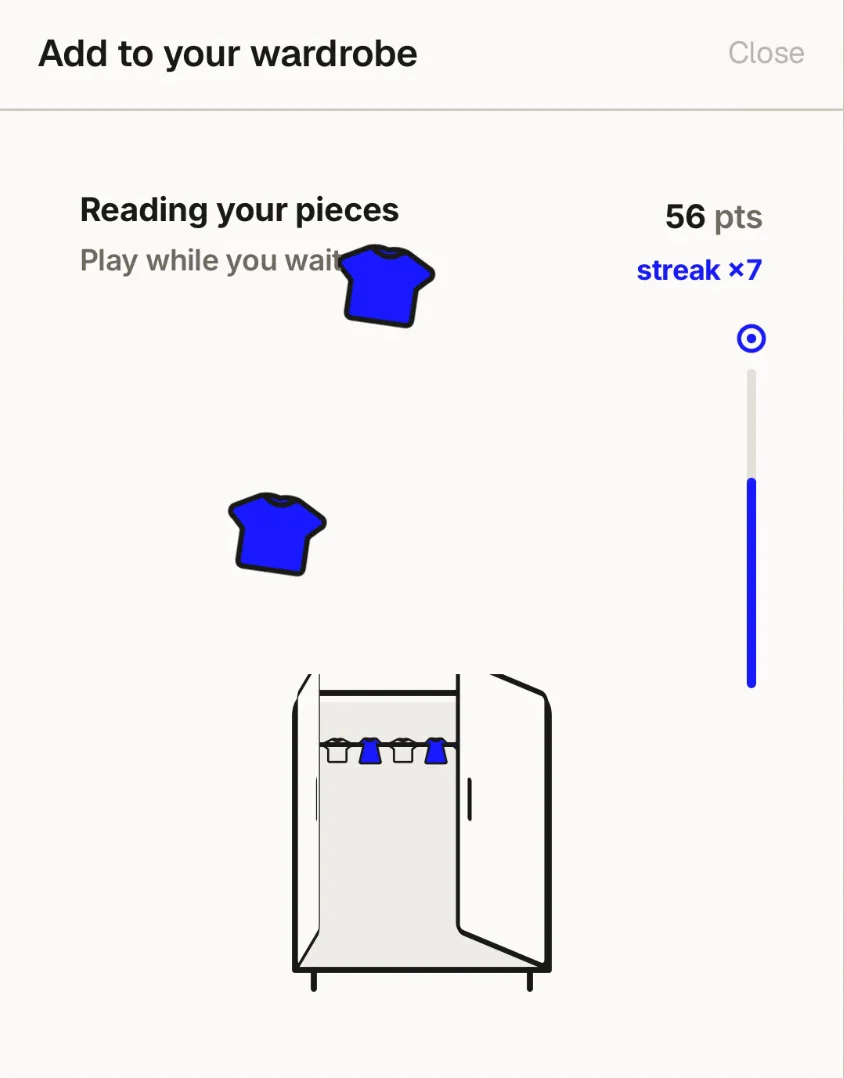
Also, a fun little game while it reads your photos: clothes fall down the screen, you tap to hang them in the wardrobe.
Do you need an app for this?
No. Everything above works in ChatGPT alone, and if you are finding out whether a digital wardrobe suits you, that is the right place to do it.
If you want the setup and the upkeep done for you, a wardrobe that travels between different AI assistants and apps rather than living inside one of them, and something more visual and more fun to use along the way, then Modebase is for you.
Frequently asked questions
Can ChatGPT make a digital wardrobe?
Yes. It can identify garments in uploaded photos, describe them, help organise them and build outfits from them. What it cannot do is reliably hold the whole wardrobe across separate conversations, which is the limit worth planning around.
Do I need to photograph every item individually?
No. Start with outfit photos and ask ChatGPT to identify the separate garments in each one.
How many pieces before a digital wardrobe is useful?
About thirty gives it enough to build genuinely different outfits. Five is enough to get a real answer back and see whether you like it.
Can ChatGPT build outfits from my own clothes?
Yes, if you tell it explicitly to use only items from your wardrobe and not to introduce substitutes. Without that instruction it will cheerfully suggest things you do not own.
What is the best way to organise clothes for AI?
One record per garment, each with a clear image, a category and a colour. Consistent categories matter more than detail: an AI can work around a missing fabric, but not a cardigan filed as a shirt.